Meet Semantic Visions at Neudata Data Summit San Francisco 2025
Logo Semantic Visions Dark Version
svEye™
BETA
svEye™
Pricing
Getting started:
Tutorials
FAQs
Features:
svHealth Score
Report Studio
Intelligence Assistant
Value Chain
API & Integrations
What we do
Technology
How we process data
Solutions
By Product:
svCompliance
Adverse media, AML, DORA, NIS2
svChain
Multi-tier supply chain mapping
svDefense
OSINT and early warning for defence and security
Data Use Case:
AML & KYC
Supply chain risk
M&A Intelligence
Third-Party Risk Intelligence
OSINT for National Security and Defence
Commodity & market signals
Industries
Manufacturing and Consumer Goods
Banking
Investment and Hedge Funds
News and Media
Governments / Non-Commercial Companies and Agencies
Mining scenery with SAP logo
Article
Semantic Visions Commodities Monitoring Now Available on SAP® Store
Read More
Resources
Insights
White Papers
Free Data
Newsletter
Glossary
FAQs
Tutorials
Developers

Subscribe for SV Newsletter

Dive into comprehensive research papers and thought leadership on global trends, risk management, and innovative solutions for your industry.

Subscribe
About us
Company
Media
Careers
Contact

Subscribe for SV Newsletter

Dive into comprehensive research papers and thought leadership on global trends, risk management, and innovative solutions for your industry.
Subscribe
Free TrialLog In
Log InFree Trial

Tutorials

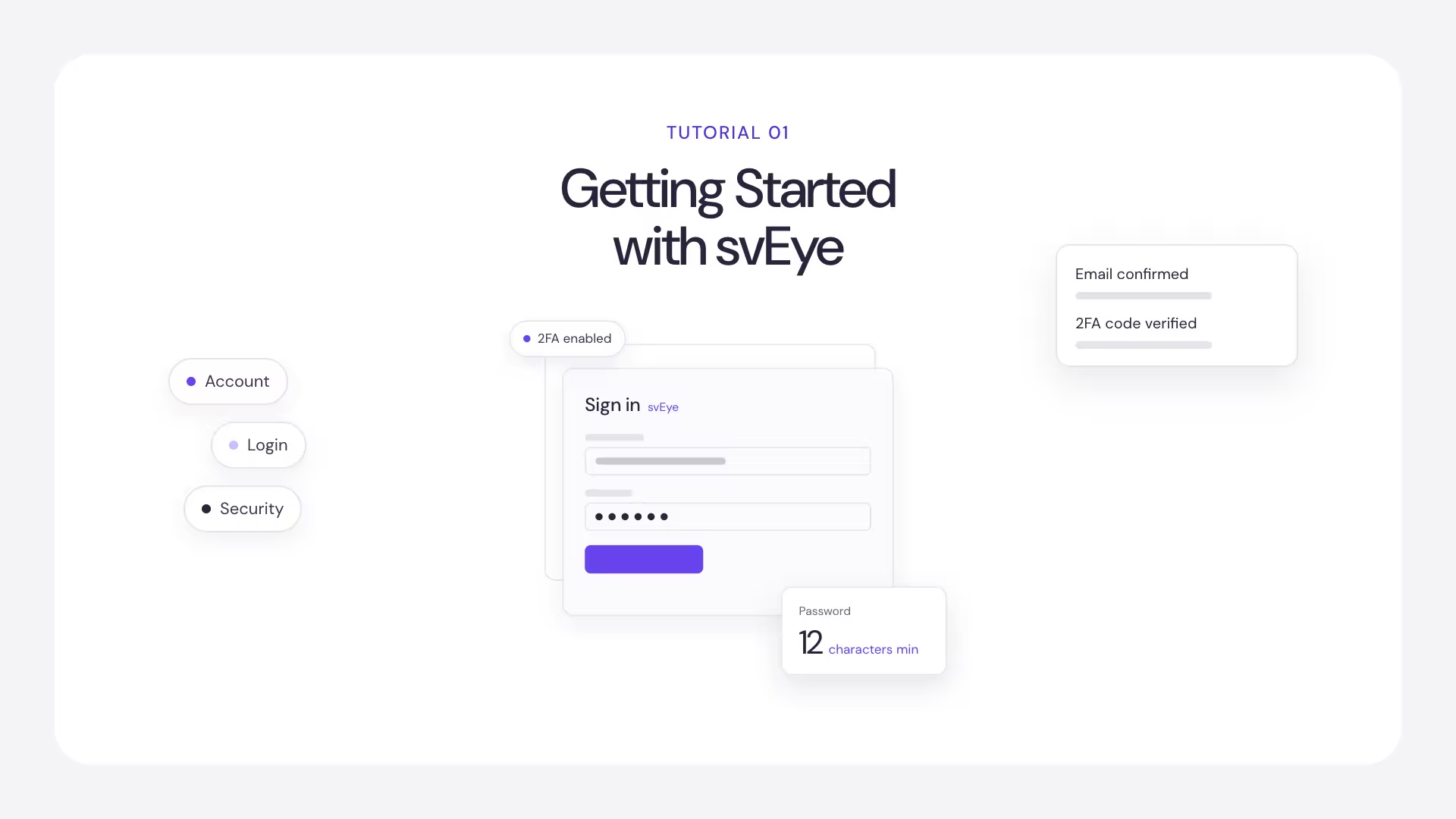
Getting Started with svEye: Account, Login and Security

Everything you need before your first search: creating an account, signing in, single sign-on and two-factor authentication.

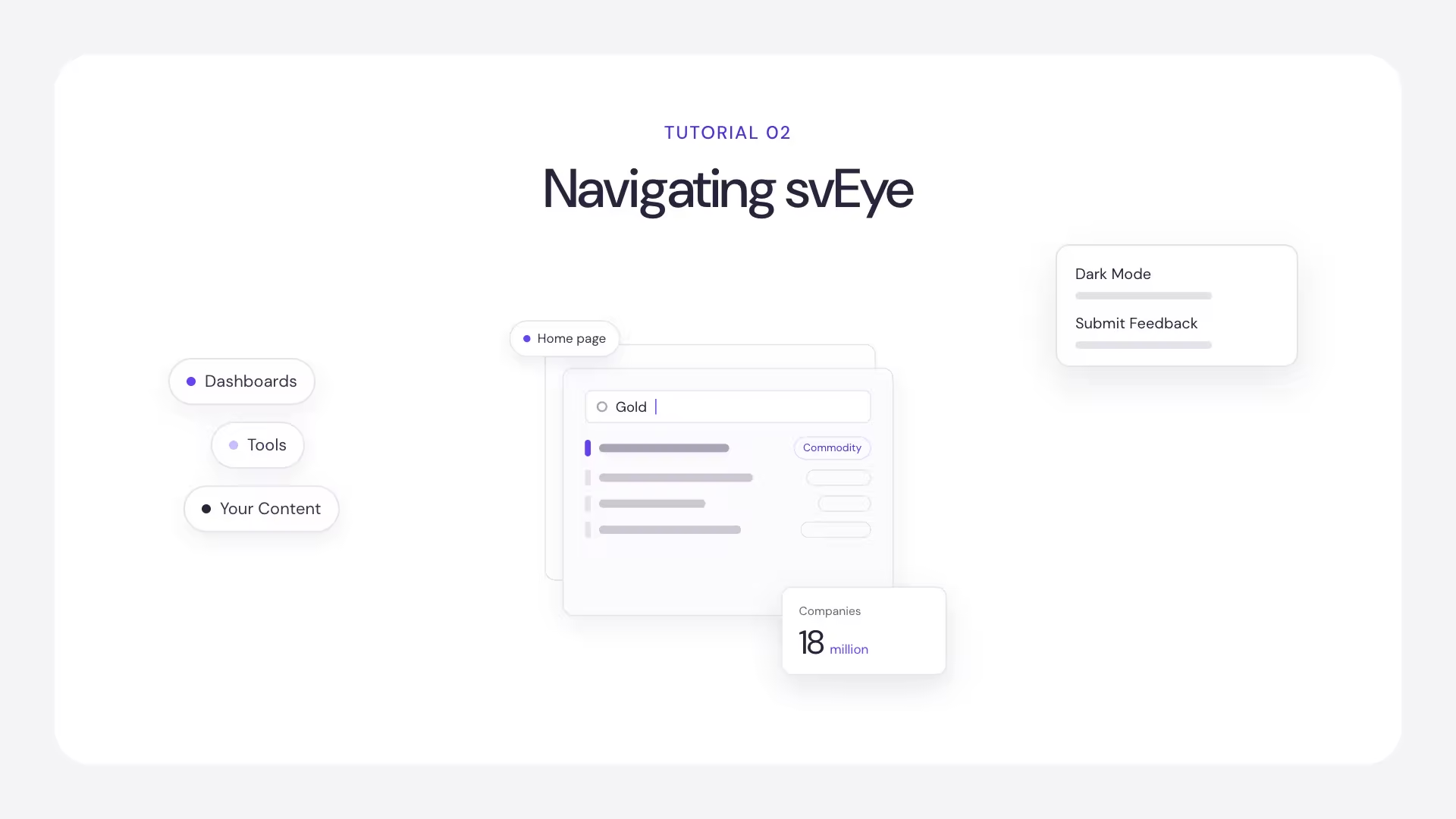
Navigating svEye: Layout, Home Page and Settings

Find your way around svEye: the sidebar, the home page, everyday controls and the settings every user has.

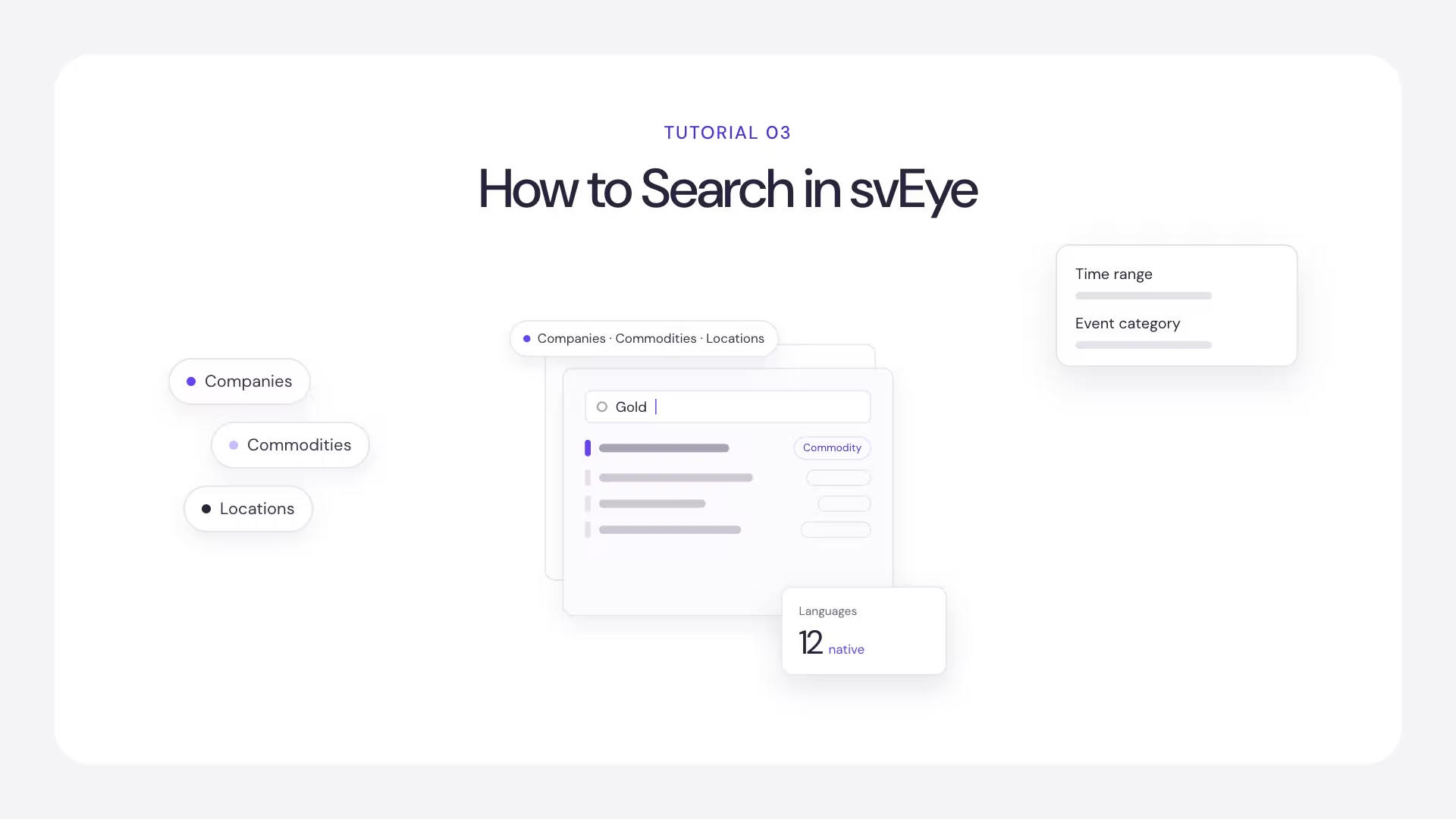
How to Search in svEye: Entities, Filters and Time Range

Build an Insight Search step by step: pick your entities, set the time range and use advanced filters to get the signal you need.

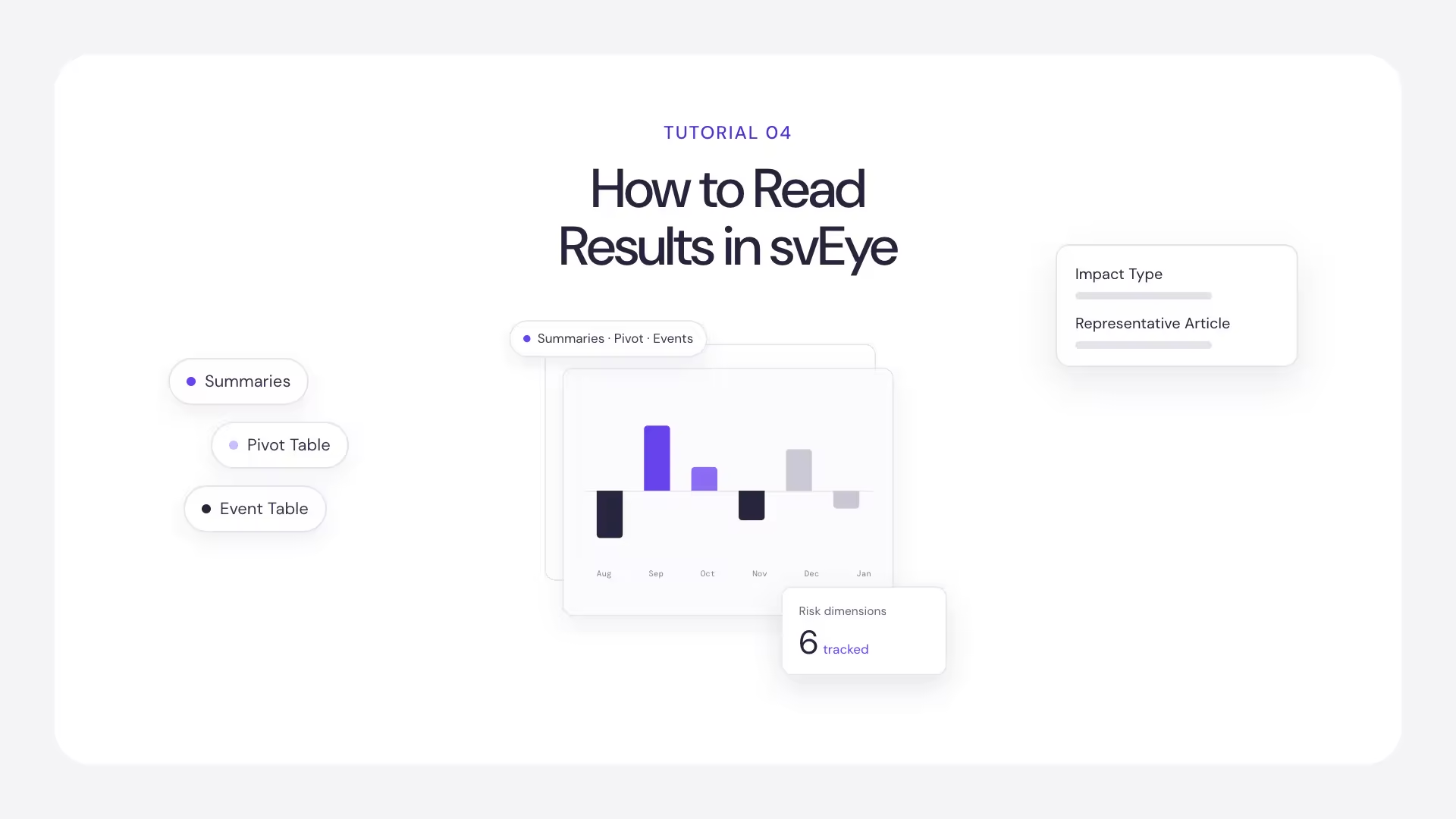
How to Read Results in svEye: Summaries, Pivot Table and Event Table

The same result set at four levels of detail. Learn when to read summaries, when to check the evidence, and when to count events.

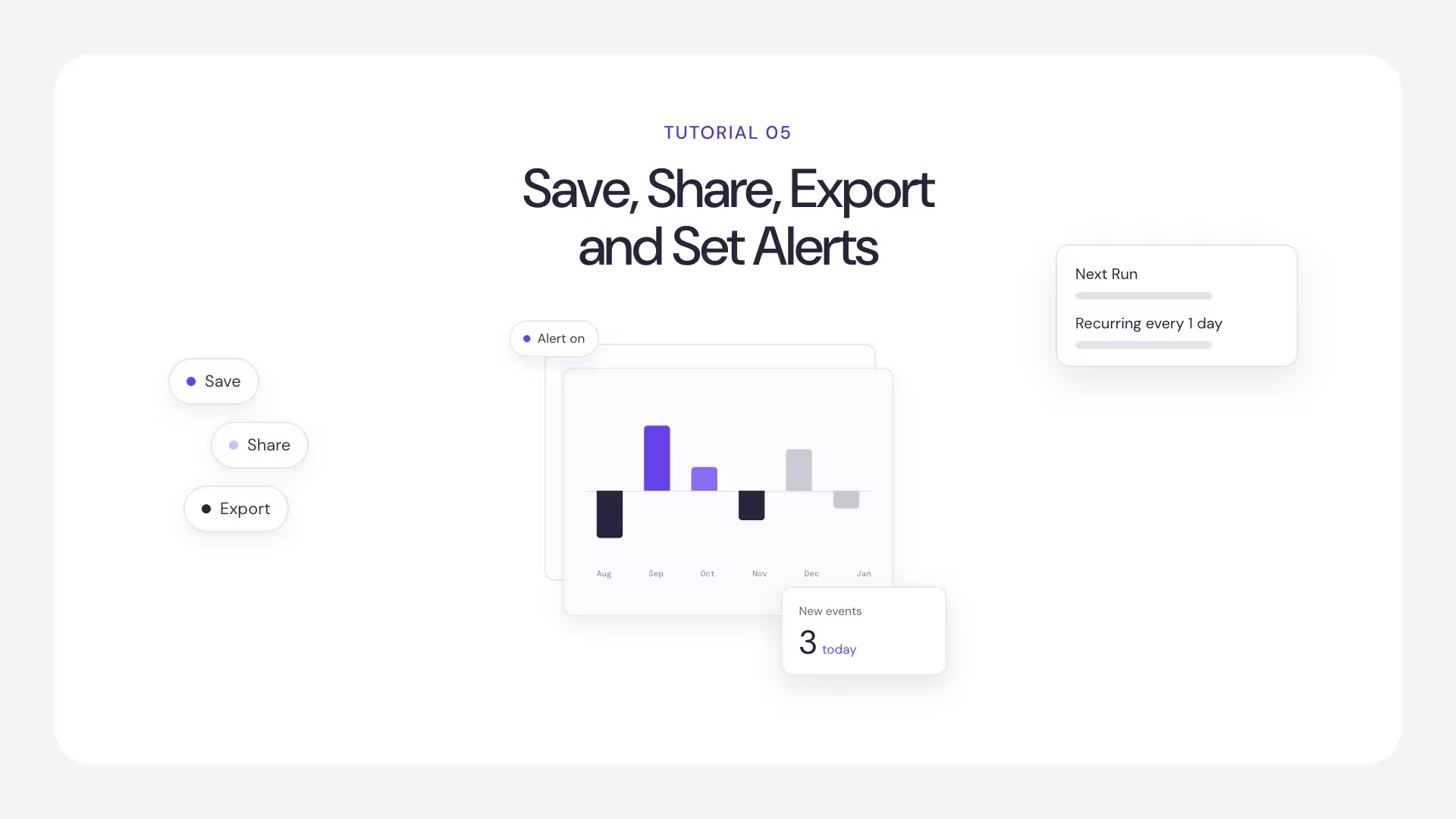
How to Save, Share, Export and Set Alerts in svEye

Turn a one-off search into ongoing monitoring: save it, share it, export the results, and let svEye run it on a schedule.

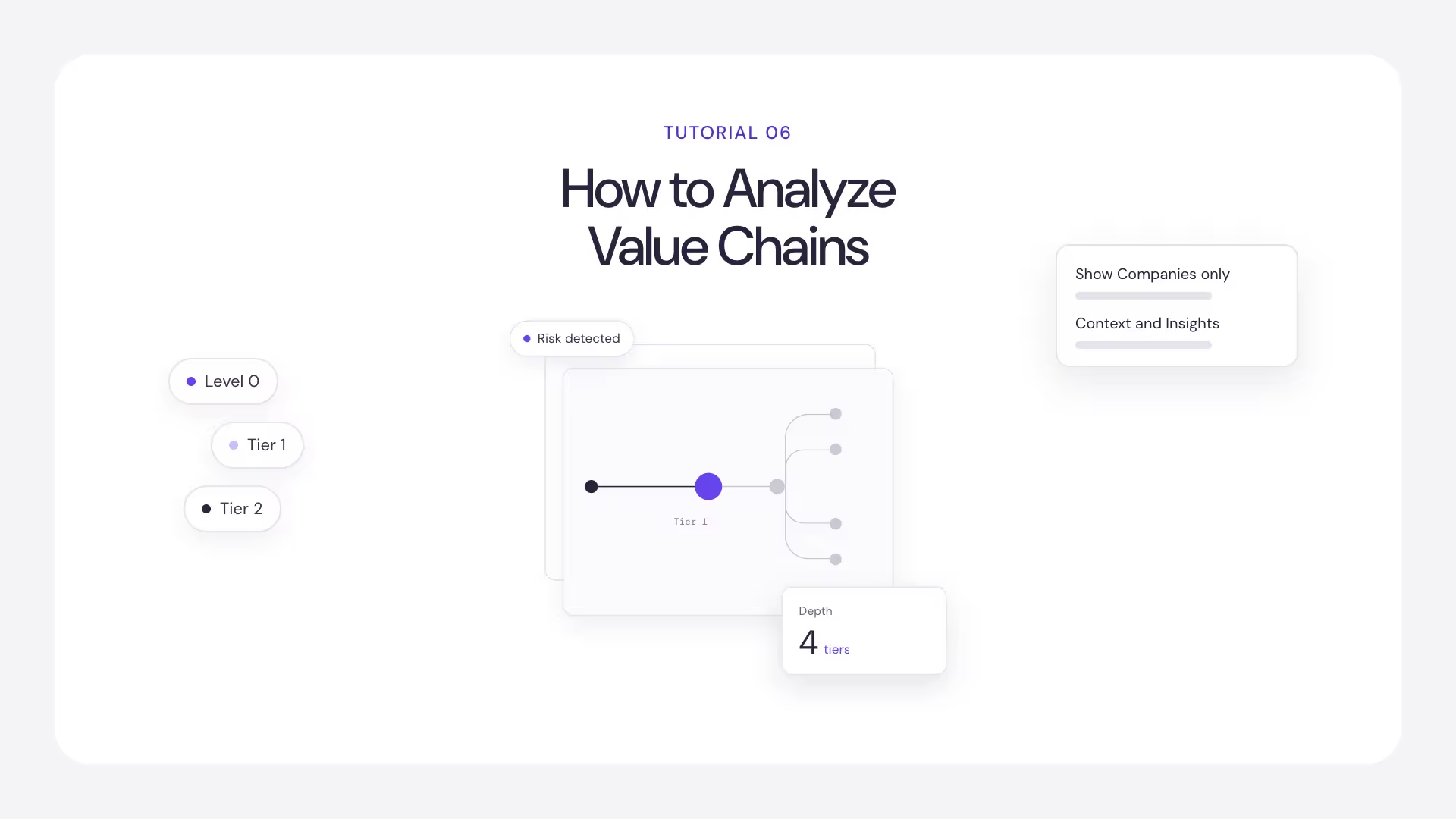
How to Analyze Value Chains in svEye: Suppliers, Tiers and Risk Exposure

See what is happening to the companies your company depends on, across tiers, before it reaches you.

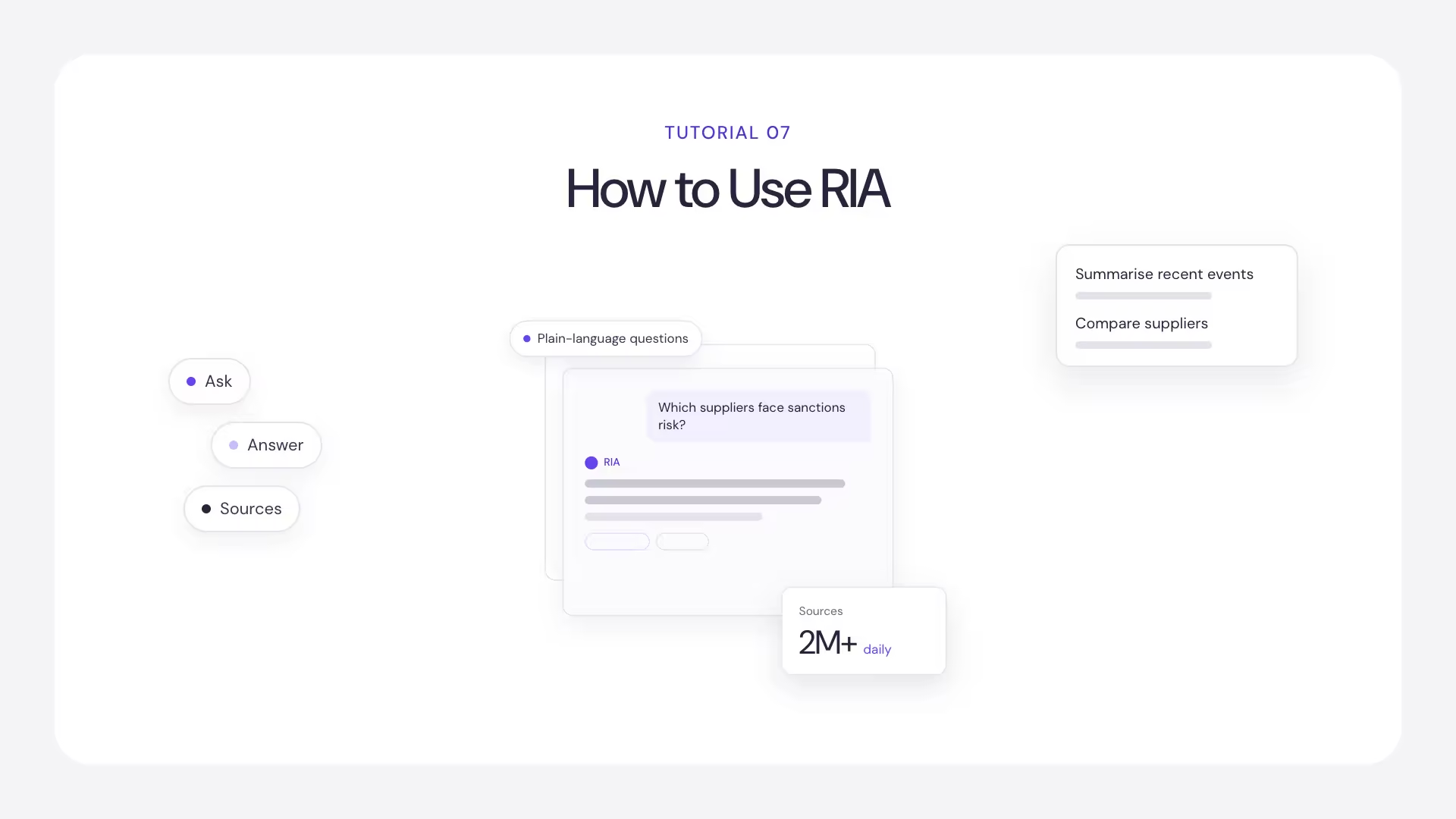
How to Use RIA, the svEye Risk Intelligence Assistant

Ask questions about your results in plain language. RIA answers from the intelligence svEye has detected for your entities.
Logo Semantic Visions
svEye™
How we process dataTechnologyFree TrialPricingsvHealth ScoreReport StudioIntelligence AssistantValue ChainAPI & Integrations
Solutions
svCompliancesvChainsvDefenseAlternative DataCredit Risk / AML ComplianceMergers and AcquisitionsMulti-tier Supply Chain MappingNational SecurityThird-party / Supply Chain
Industries
Manufacturing and Consumer GoodsBankingInvestment and Hedge FundsNews and MediaGovernments / Non-Commercial Companies and Agencies
Resources
InsightsWhite Papers Free dataNewsletterGlossaryTutorialsFAQsDevelopers
About us
Company
CareersMediaContact
More
Terms of UsePrivacy PolicyCookies PolicyLegal IssuesCookies
Review svEye on G2